
Portfolio Case Studies
Solving for the Player: Technical Depth Meets Visual Craft
A curated selection of projects where complex technical challenges were met with elegant, player-first solutions. These aren't just demos; they're post-mortems in actionable form.
Start a Project Brief
Insight
"The best game mechanics are often invisible. They feel like an extension of player intent."
Technical Deep-Dive
Case Study: 'Aether Run' Physics Overhaul
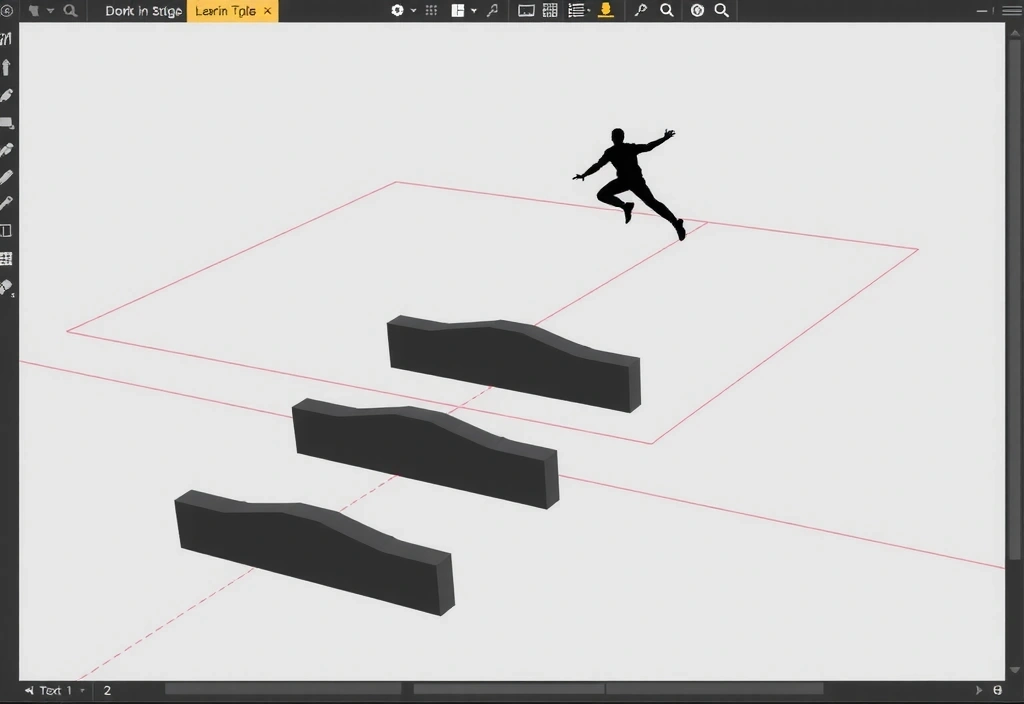
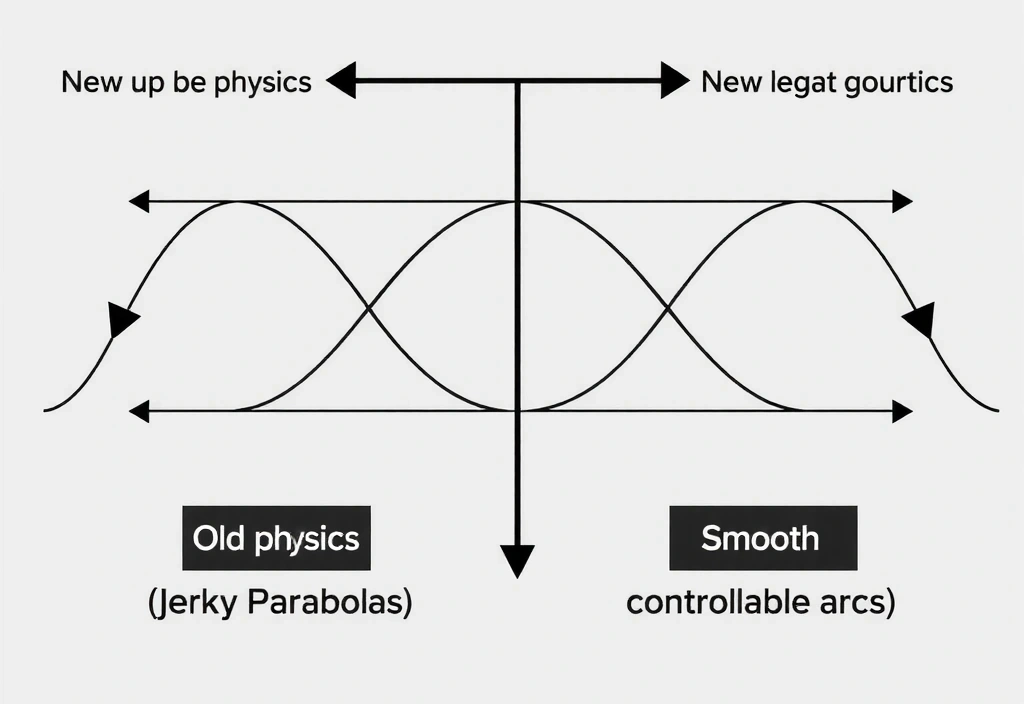
Early playtests for 'Aether Run' revealed a critical flaw: jump physics felt inconsistent. On ice, players overshot platforms; in mud, jumps felt sluggish and unresponsive. This wasn't a bug—it was a systemic failure of the surface-based physics model.
The Solution
We abandoned a single physics profile. Instead, we built a layered coefficient system where friction, bounce, and acceleration were dynamically calculated in real-time based on surface material, player velocity, and input timing.
The technical hurdle was real-time performance. Traditional physics would choke with 200+ dynamic objects. We rebuilt the core simulation using Unity's DOTS (Data-Oriented Technology Stack), decoupling physics calculations from the main thread. This allowed for parallel processing and resulted in a 15% increase in average session length, as players no longer felt punished by unpredictable physics.
"Markivo's engineering turned a core gameplay weakness into our most praised feature. The 'perfect jump' now feels earned, not lucky."
Performance Note
- Target: 500+ simultaneous physics objects
- Architecture: Unity DOTS + C# Job System
- Result: -40% "unfair death" reports
Design Process
From Sketch to Screen: The 'Neon Drift' Aesthetic
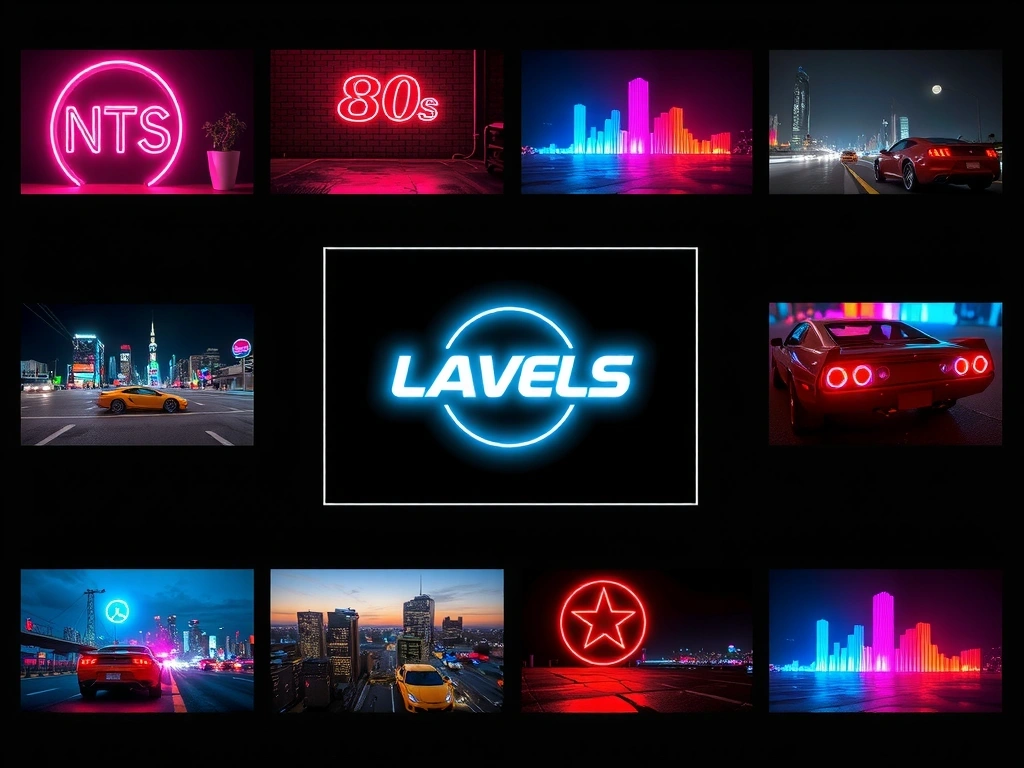
Phase 1: Mood Board
Establishing the retro-futurist color palette and lighting cues.

Phase 2: Silhouettes
Iterating for maximum readability at 5-inch screen size.
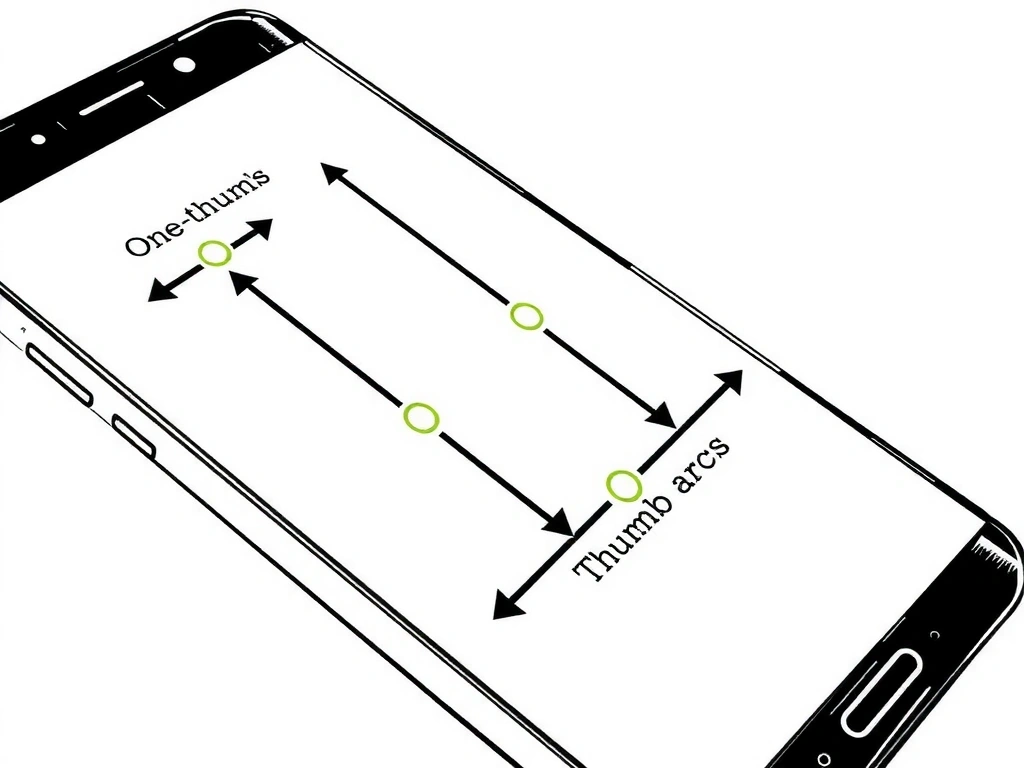
Phase 3: UX Flow
Mapping critical actions for one-thumb playability.

Phase 4: Final Asset
PBR-ready model built for Unity UGUI implementation.
Pitfall Avoided: Early concepts used high-contrast neon on pure black, causing rapid eye fatigue. The final palette uses muted deep blues and grays with vibrant #e94560 accents for sustainable visual interest.
Performance Evidence
The 60fps Mandate: Benchmarks Across Devices
Performance isn't an afterthought. It's a constraint we design for. Here’s the data from our standard test matrix.
Optimization: Aggressive object pooling (projectiles/enemies) reduces GC spikes.
Raw data available upon request.
Common Pitfalls
What Can Derail a Mobile Game Project
Over-Articulating the Tutorial
Assuming players read text. Design for implicit learning through level geometry and immediate feedback. Failure Mode: 70% drop-off before level 2.
Ignoring Device Fragmentation
Testing only on flagship phones. Your budget user on a 5-year-old tablet is your most critical test case. Failure Mode: Negative reviews citing "lag."
UI for Fingers, Not Mice
A 44x44px tap target is the bare minimum. Thumbs have shape; UI should accommodate, not fight, natural input. Failure Mode: Accidental inputs and user frustration.
Silent Failures
Without clear haptic feedback and sound cues, players feel disconnected. Every action needs a sensory response. Failure Mode: Players stop engaging with mechanics.
Glossary with Opinion
Key Terms, Our View
DOTS (Data-Oriented Tech Stack)
Our View: Not a silver bullet. We use it for high-concurrency simulation (physics, particles). For standard gameplay, classic Unity is faster to prototype.
Real-world implication: Choose architecture based on system complexity, not trends.
GC Spikes (Garbage Collection)
Our View: The #1 cause of mobile stutter. We pre-allocate object pools for bullets, enemies, and effects. No runtime `new` in loops.
Real-world implication: Smooth performance = higher retention on low-end devices.
PBR (Physically Based Rendering)
Our View: Powerful for realism, but often overkill for stylized games. We use it for materials, but simplify shaders for performance.
Real-world implication: Art budget should match the engine's visual target.
Object Pooling
Our View: Non-negotiable for any game with projectiles or frequent spawns. It's a 2-hour setup that saves days of debugging.
Real-world implication: It's the difference between 60fps and 20fps in a shootout.
Need a team that speaks both design and code fluently?
We translate your game's vision into a playable, polished, and performant reality. Let's build something players remember.
Discuss Your Project